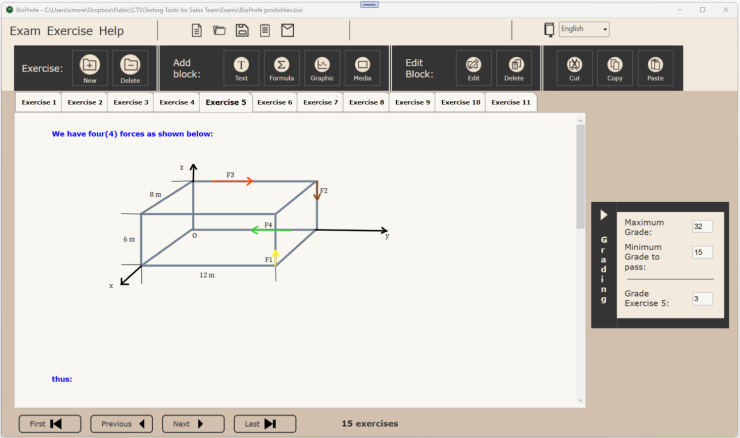

With BioProfe you can save and organize exams on your computer. These exams may have been created by yourself, someone else, or downloaded from BioProfepedia.
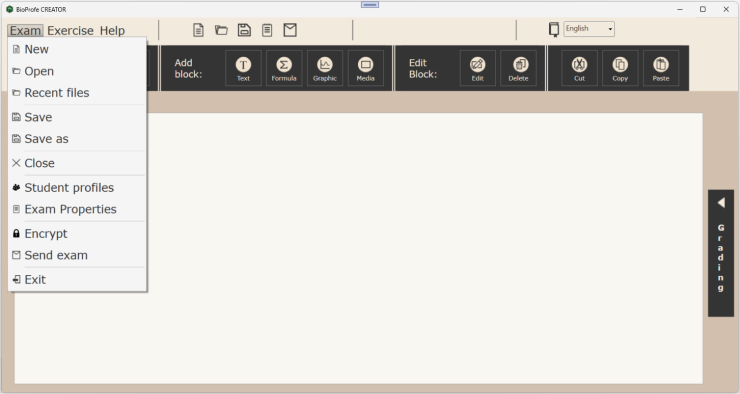
To open a file, that is, an exam, click on the “Open” option in the top menu “Exam“.
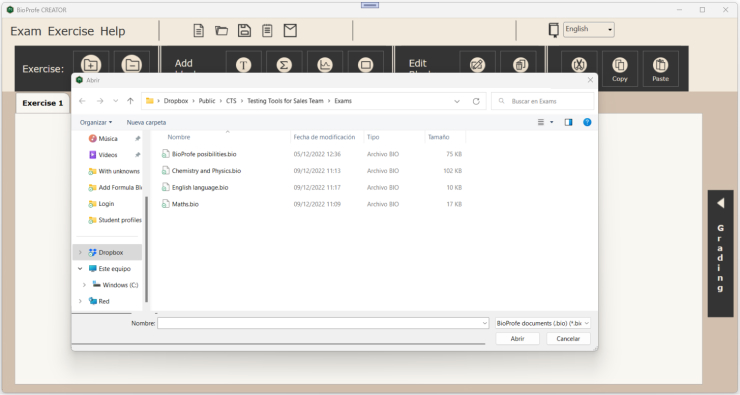
Next, select the exam you want to open on your computer’s file system.
As a result, you will see the first exercise of the exam in the tab that is furthest to the left. The rest of the exercise appears in different tabs (each exercise is shown in a tab).
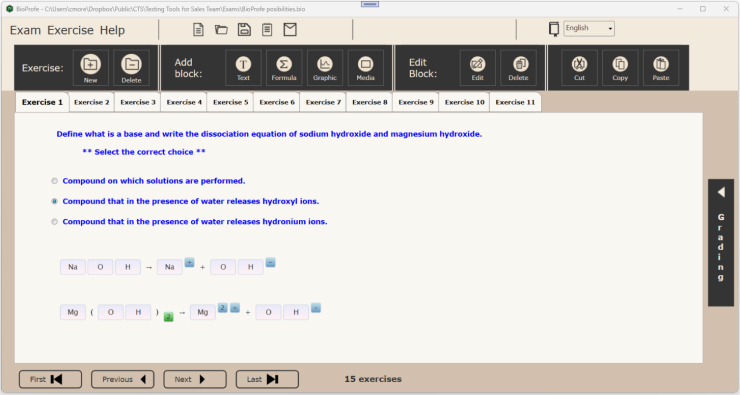
You have navigation buttons to move through the exercises. For example, if you click on the “Next” button, the second exercise will appear.

You can also directly view an exercise by clicking on the corresponding tab.
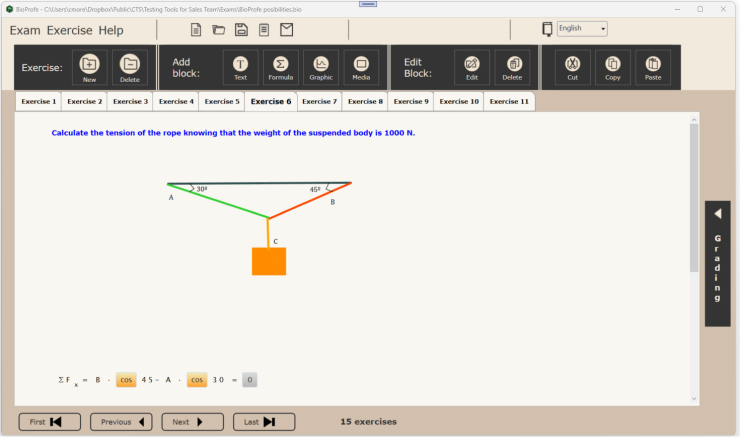
You can establish the grade for each exercise and also the minimum grade that the student needs to pass the exam.
To see the grade for the exercise, in addition to the maximum grade possible and the minimum grade to pass, click on the arrow that appears on the right side where it says “Grading” in vertical.
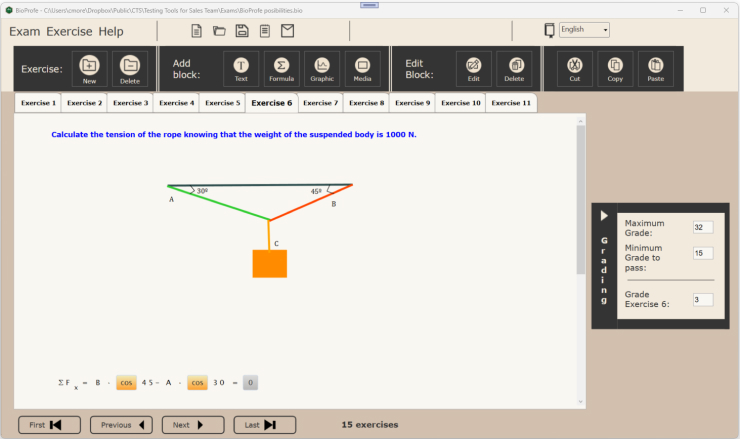
If you select another exercise, you will see the specific grade for that exercise.