

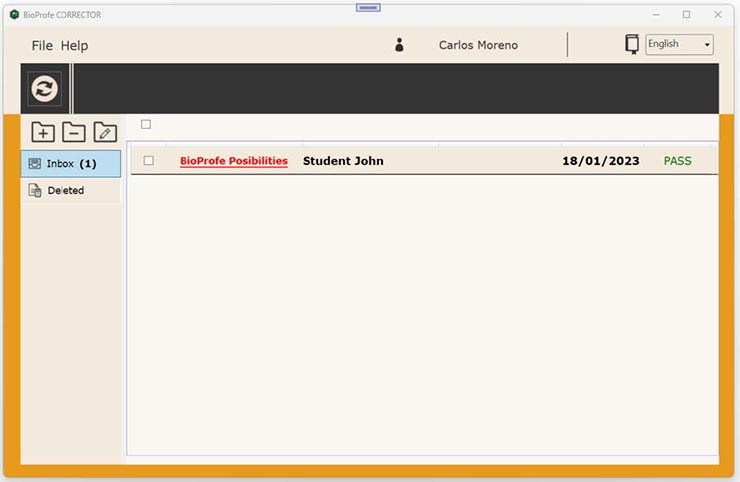
The BioProfe CORRECTOR main window has by default the Inbox folder containing the exam list that the students have sent. For each exam we can see the exam title, the student’s name, his/her group and the exam date. The texts will be in bold font when the exam has never been opened.
To see one of them, click the title.
The window with the report will open. The report displays information about the exam itself, the results and several buttons to perform different actions.

One of the actions is to send by email the exam report. This allows you to send by email a report containing the results to the student and to the parents or tutors.
To perform this action, click on the “Send e-mail” button.


Select the recipients of the email, which can be the parents or guardians, the student, or yourself.
Also, you can write a comment (the body for the email).
Click on the “Send” button.

We will see a confirmation message when the report has been sent successfully.